Your library
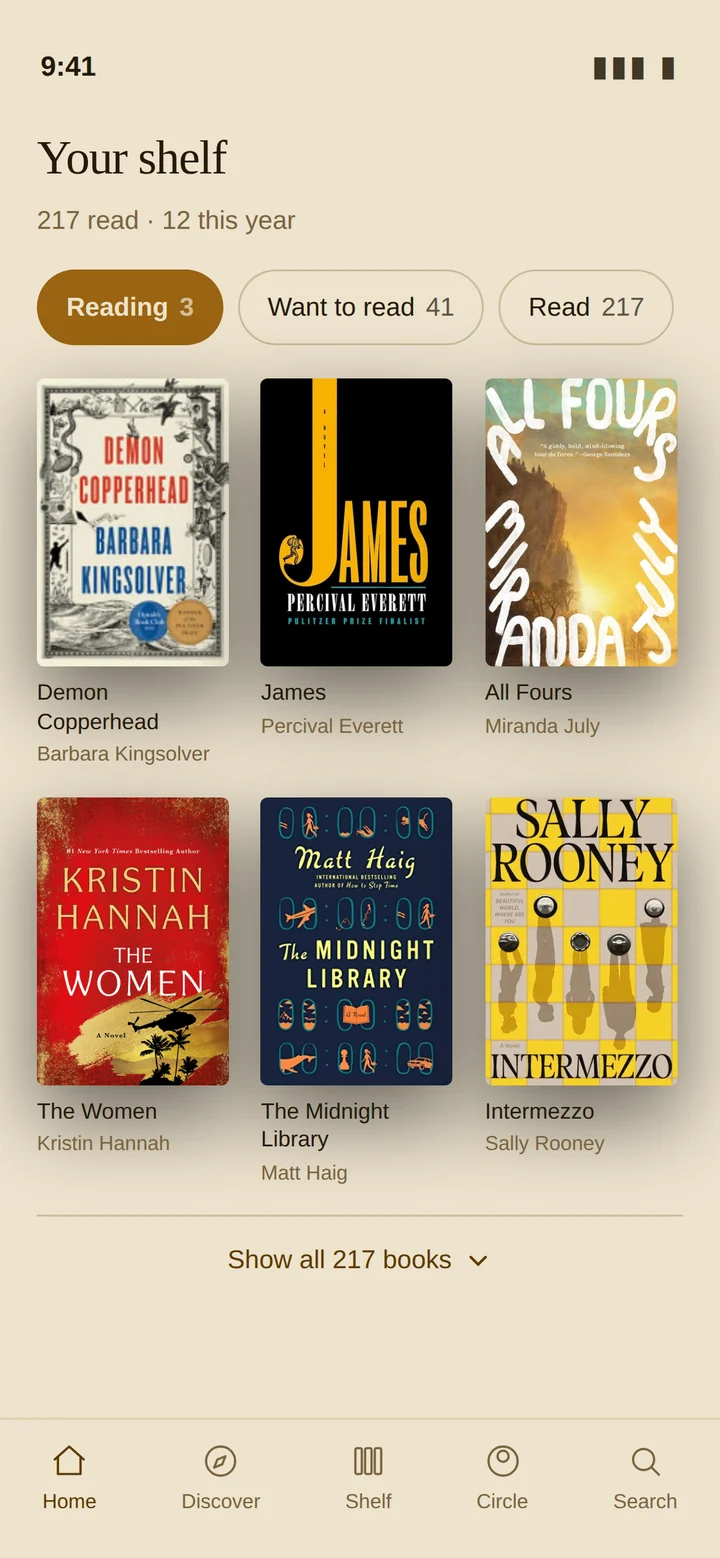
Your shelf, not a spreadsheet
Everything you've read, are reading, and mean to get to — in one place, sorted the way a reader thinks rather than the way a database does. Alphabetical filing ignores The and A, so The Midnight Library sits under M where you'd look for it, not under T.
Import your library from Goodreads in one pass. Covers, page counts, publication years and descriptions resolve themselves in the background.
- Reading, Want to read, Read and DNF, plus custom shelves you name yourself
- Finished dates captured without a form — “just now”, “earlier this year”, “a while ago”
- Mark any book private: it still counts toward your stats, and nobody else sees it
Book detail
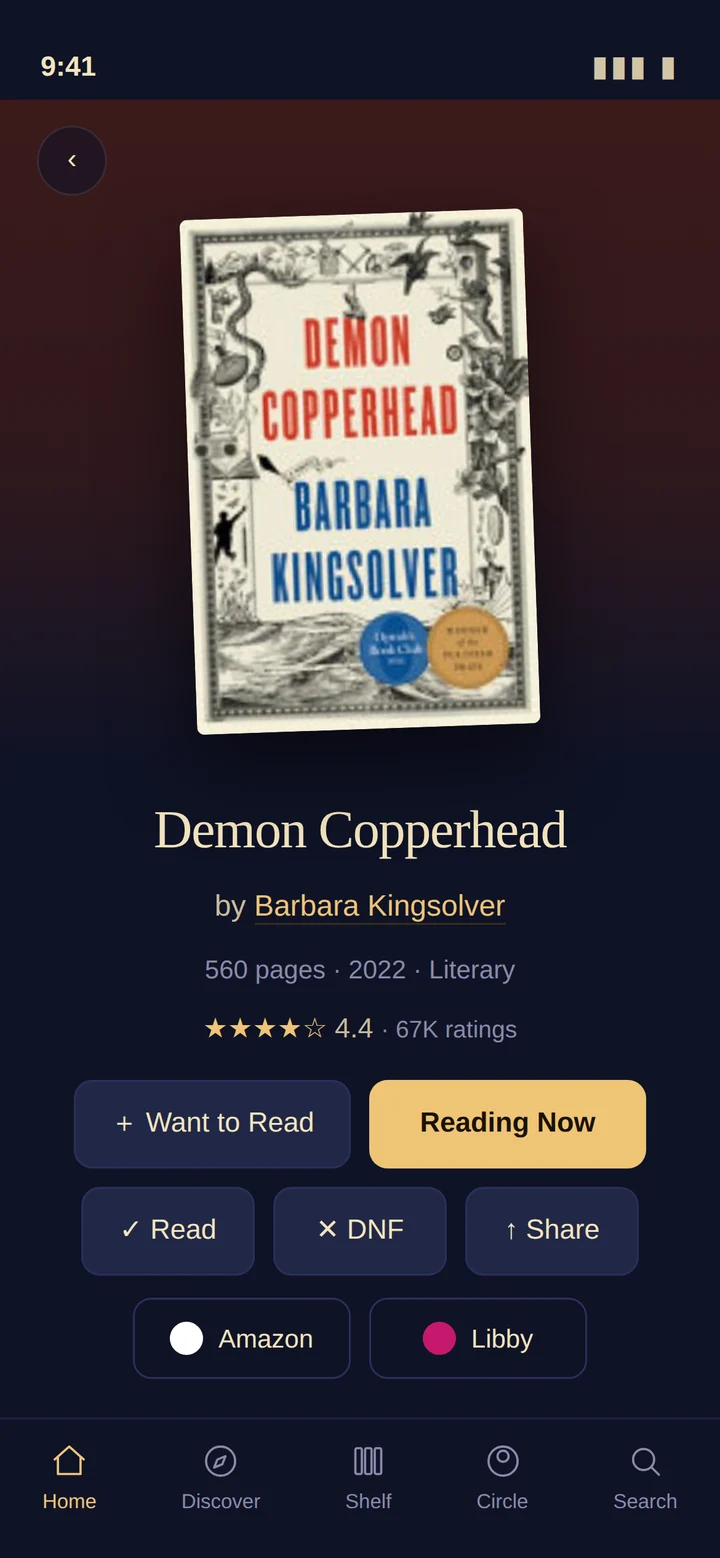
Every book, properly presented
Cover art, page count, ratings and a real description — then one tap to shelve it, share it, or open it where you actually read.
- Amazon and Libby links on every book, so your library card is one tap away
- Pick your library once; Libby links go straight to the book, not the app's front door
- Progress tracking by page or percent, with milestones your circle can see — or not
Reading together
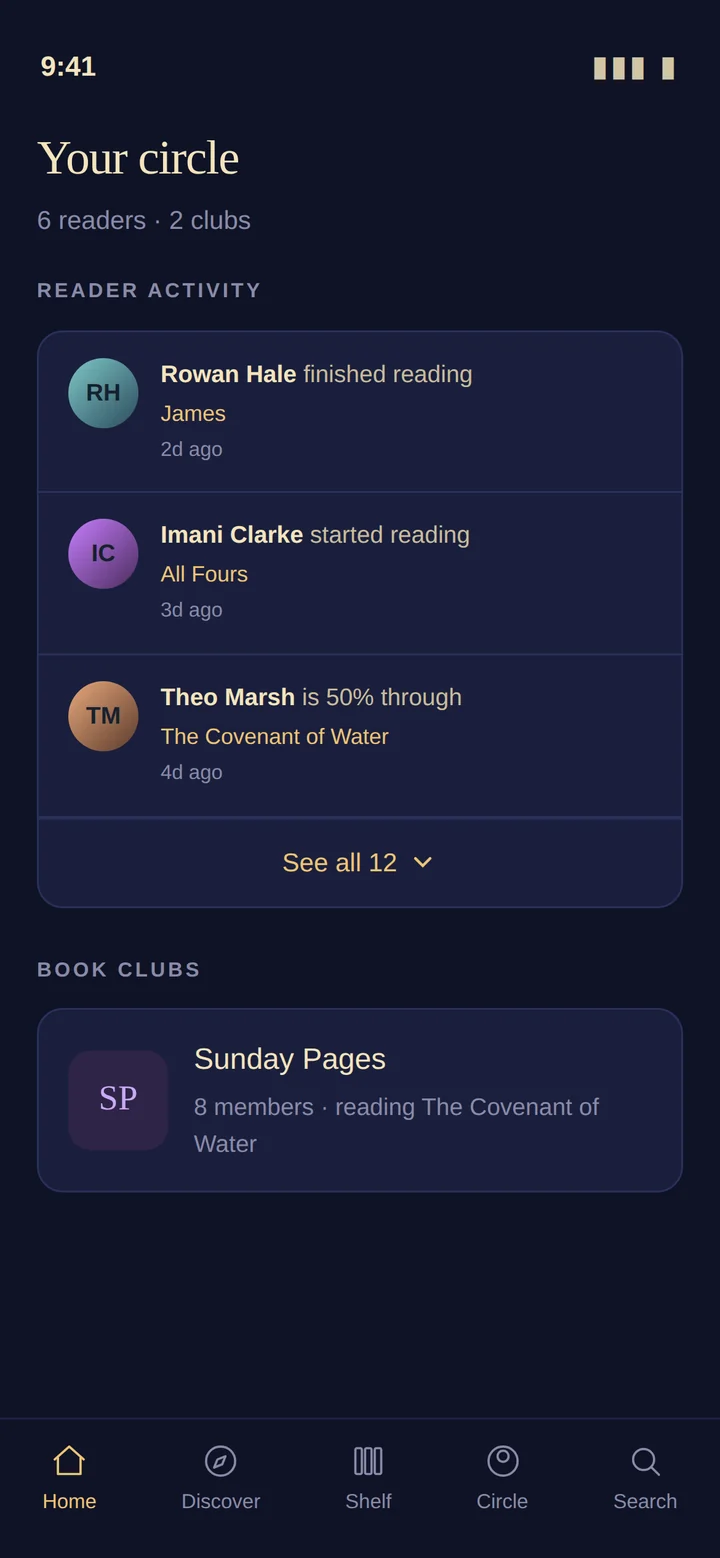
A circle, not a feed
Follow the readers you actually know. See what they started, what they finished, and what they thought — without an algorithm deciding which of your friends you get to hear from.
- Private messages and book recommendations between readers
- Book clubs with a shared reading plan, weekly page targets, and spoiler-safe discussion
- AI-moderated clubs that keep the conversation going between meetings
For families
Little readers
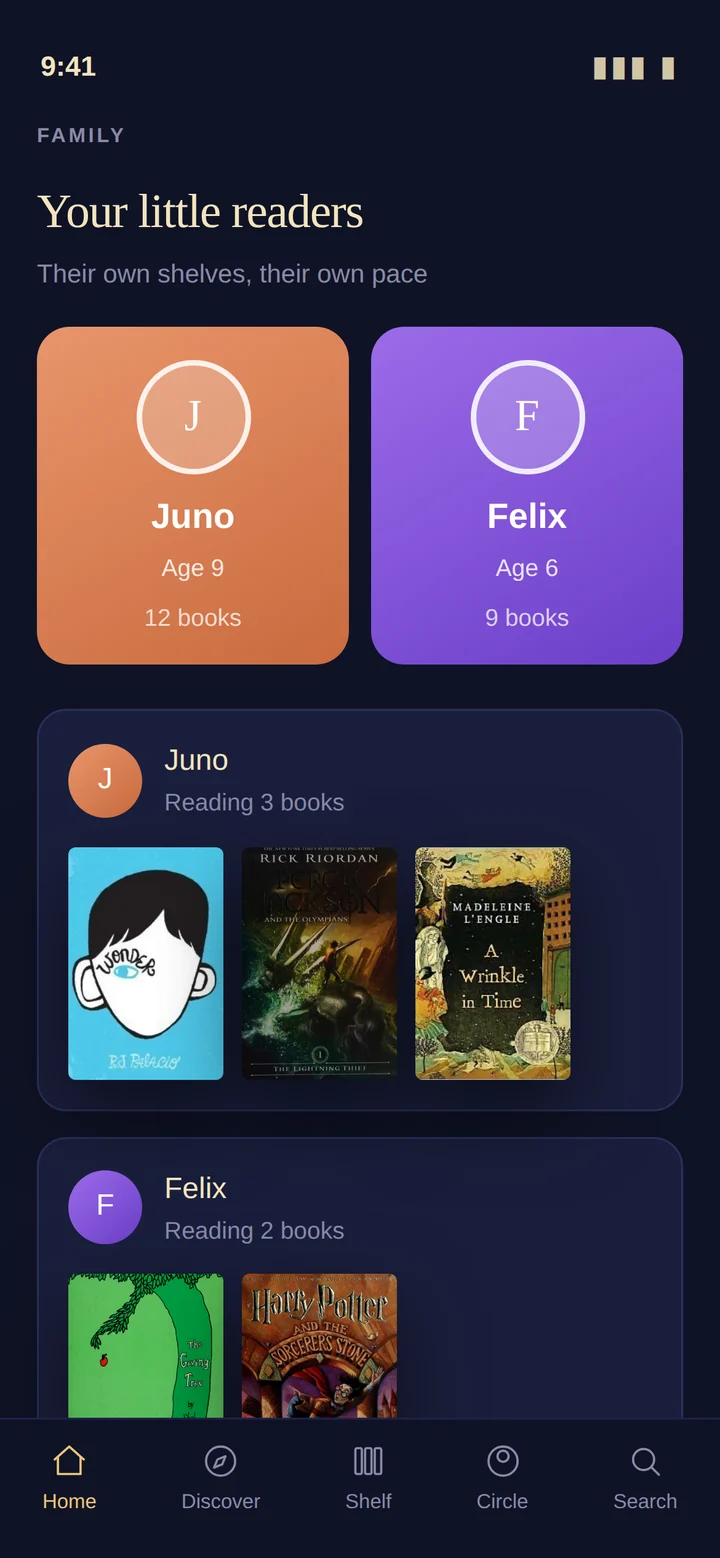
Every child in the house gets their own shelf, their own interests, and their own pace — managed from your account, with no login for them to forget.
- Age-appropriate recommendations seeded from what they actually like
- Add a co-parent when you set the reader up, so both parents see the same shelf
- Reading streaks and finished-book counts that mean something to a six-year-old
Privacy
Sharing you control, person by person
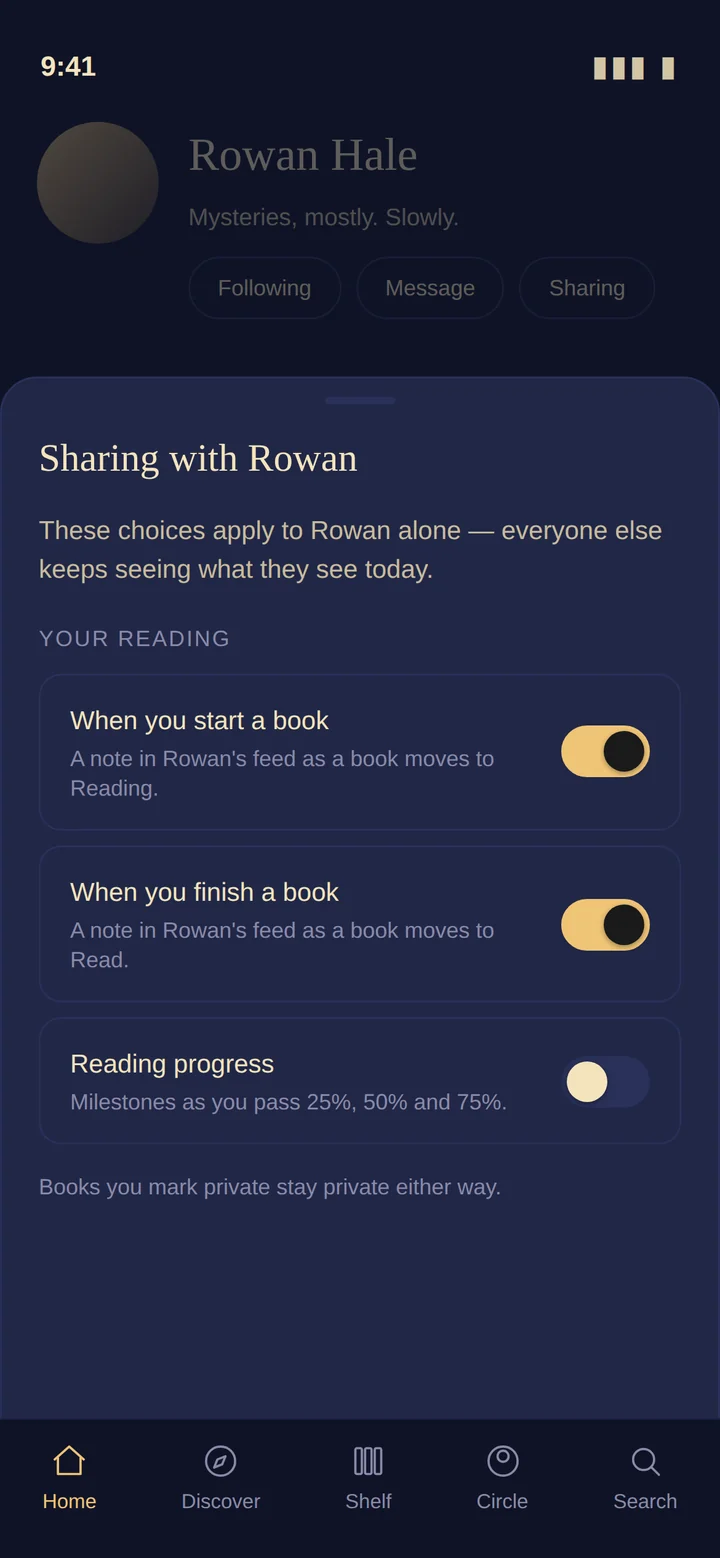
Most reading apps give you one switch: public or private. Booked gives you a switch per person, and tells you plainly what each one sends.
- Choose separately whether someone sees when you start a book, finish a book, or pass a milestone
- Little readers' activity is off by default and shared one friend at a time
- Books marked private stay private regardless of every other setting
This is the part we'd point at first. It isn't a feature bolted on after a privacy complaint — it's how the app was built.
Design
Day and night
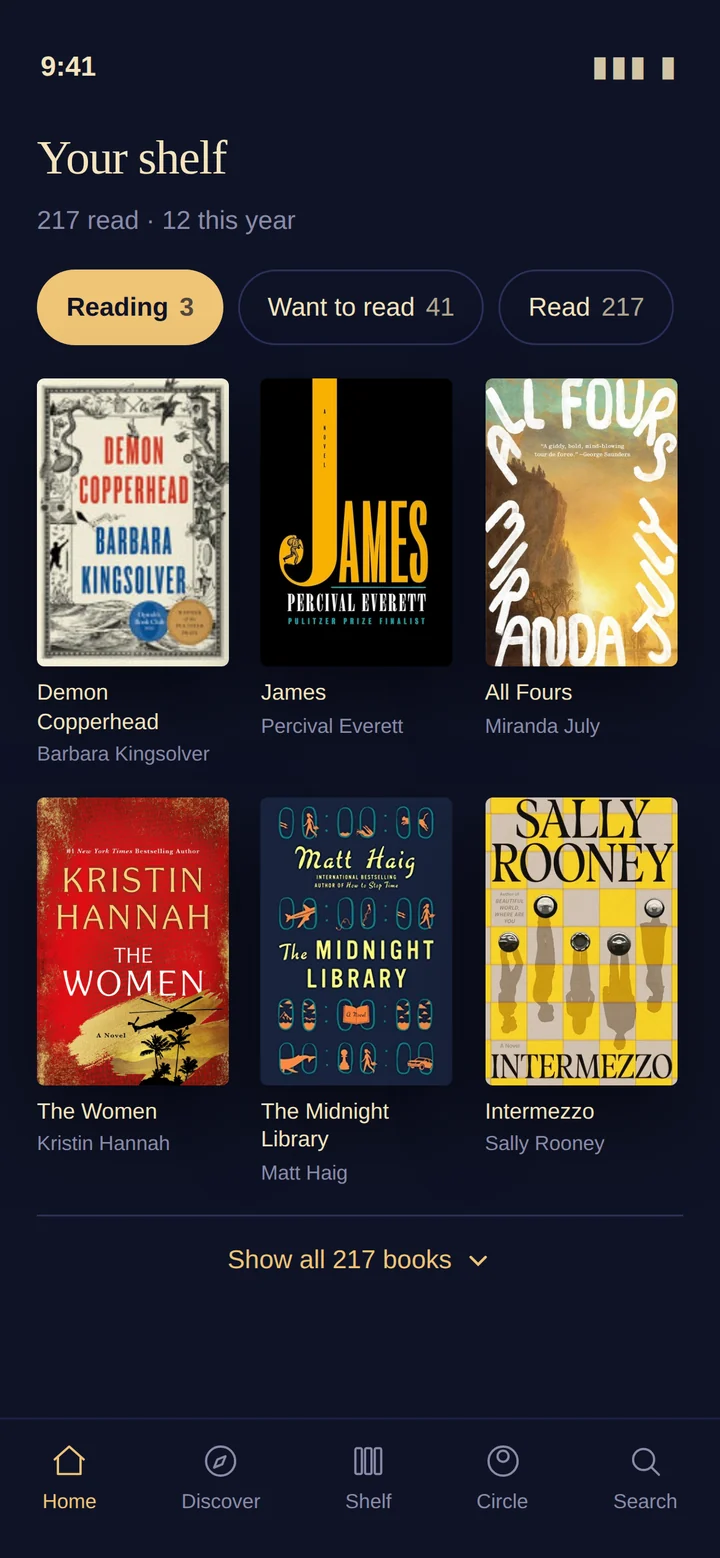
Booked ships two palettes — an evening dark and a warm parchment — and every screen is designed in both, not recoloured as an afterthought.